
Buying a new smartphone should be easy.
For older Australian citizens and often their offspring or caregivers, it turns into a challenge.
An Internet search yields a variety of “senior-friendly” devices featuring bigger keys, louder audio, and simpler navigation menus.
Some of those look like modern smartphones, whereas others seem outdated by almost fifteen years.
The problem isn’t in picking a smartphone per se.
The difficulty lies in selecting the right model for individual needs.
A phone that works great for a former schoolteacher who uses social media, online banking, and video calls isn’t likely to impress a retired couple interested in nothing but sending occasional SMS messages.
The trouble is many buying guides ignore individual preferences, treating seniors as belonging to a homogeneous category.
Here is why it leads to confusion.
Things Have Changed for the Seniors Mobile Phone Market in Australia. The mobile landscape in Australia has undergone considerable changes in the past few years.
Now there are a few factors that determine which phone could be considered senior-friendly.
The national shutdown of 3G networks, increased awareness of scam threats, accessibility improvements, and growing video chat adoption have shifted priorities for the senior population.
A phone is more than a device for making calls.
For many elderly Australians, it serves as a tool for communicating with family members, accessing healthcare services, banking, emergency help, and participating in their communities.
Below you will find a few tips for identifying a good senior-friendly mobile phone in Australia.
Have A Look On It: Novated Lease Calculator
- Quick Facts About Senior-Friendly Phones in Australia
- The Biggest Mistake People Make When Selecting a Senior Mobile Phone
- All Seniors Aren't Created Equal
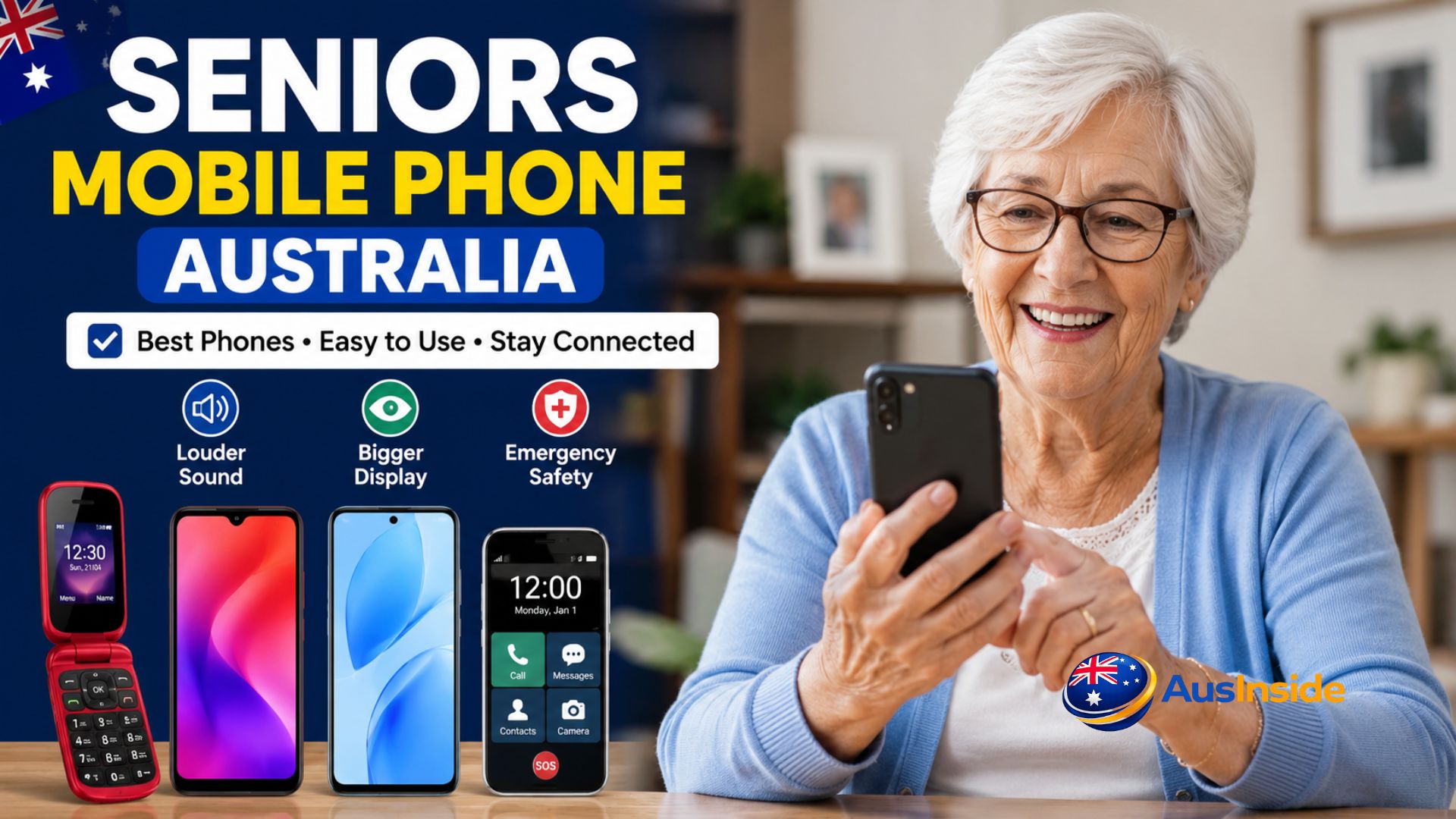
- The Three Basic Types of Senior-Friendly Phones in Australia
- Criteria That Make a Smartphone Senior-Friendly
- Why Australia's 3G Shutdown Is Relevant
- Why Regional Network Coverage Is Important
- Hidden Costs of Cheap Phones
- Recommendations of the Best Mobile Phones in Australia for Seniors Based on Situations Not Age
- Phone vs. Senior Phone: The Actual Situation That Consumers Usually Face When Choosing
- Choosing the Right Phone for People with Eyesight Problems
- Choosing the Right Phone for People with Hearing Impairments
- Recommendation of a Phone for People with Some Memory Problems
- Why Video Calling Has Become So Important for Today's Seniors
- Protection from Scam Calls and Other Forms of Fraud
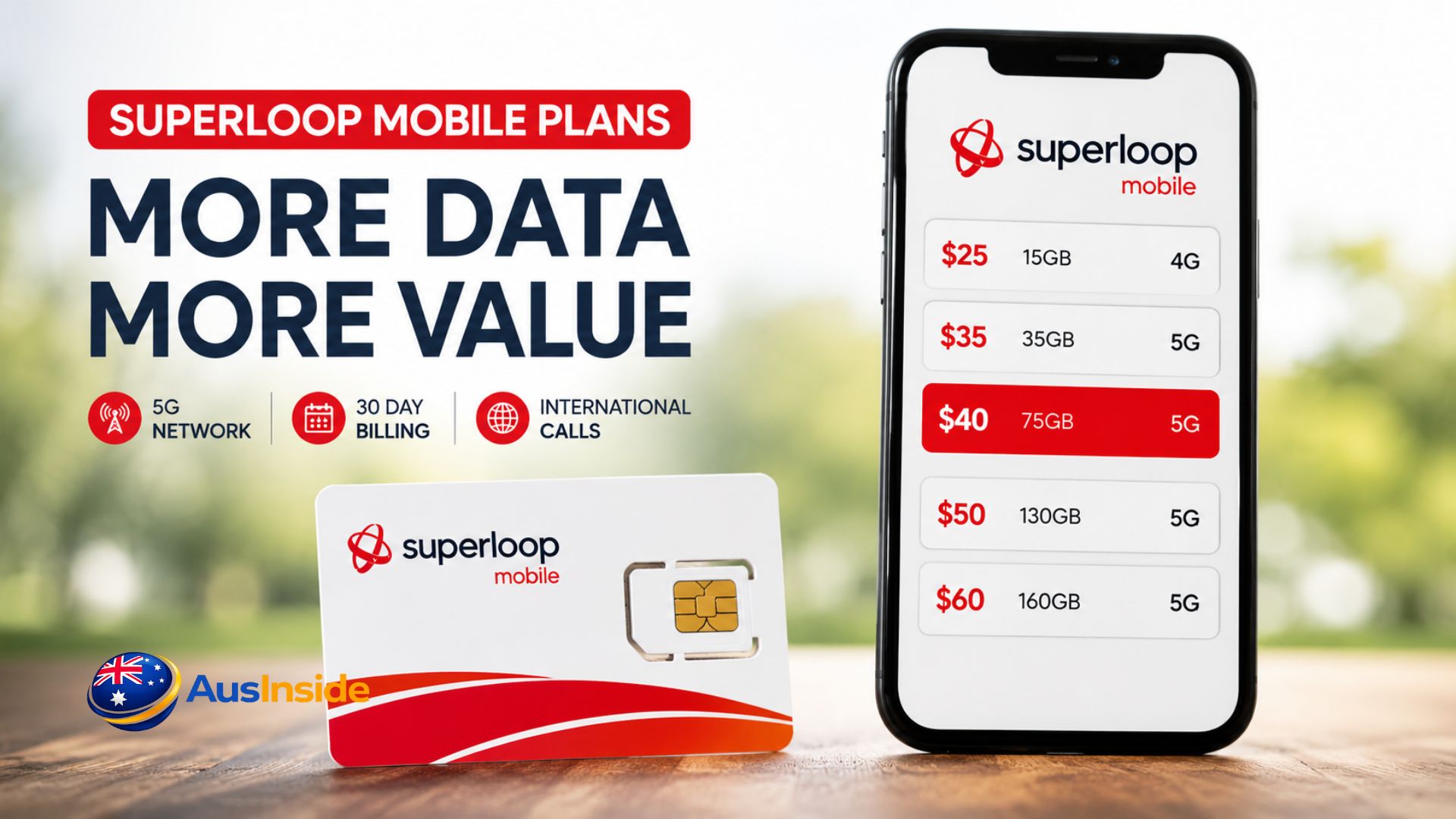
- Do Not Forget the Mobile Plan
- First Hour Is Often More Important Than the Purchase
- How to Buy a Phone Which Will Remain Helpful in Two or Three Years?
- Seniors Mobile Phone Purchasing Checklist
- Key Points
- Conclusion
- FAQs about Seniors Mobile Phone Australia
Quick Facts About Senior-Friendly Phones in Australia
| Feature | Explanation |
| Larger Screen | Better visibility and usability |
| Louder Audio | Improved audio quality |
| Emergency Features | Additional safety and assurance |
| 4G VoLTE Support | Important since the 3G shutdown |
| Long Battery Life | Allows using the device longer without plugging it in |
| Accessibility Tools | Helps with visual, auditory, and physical impairments |
| Protection from Scams | Increasingly important for seniors |
| Software Updates | Enhances functionality and longevity |
The Biggest Mistake People Make When Selecting a Senior Mobile Phone
The most common assumption is that any retired individual will prefer an ultra-simplistic phone with minimum functionality.
On the face of it, this reasoning seems quite logical.
Unfortunately, it often proves to be absolutely wrong.
In reality, many seniors are quite tech-savvy, and they regularly use WhatsApp, Messenger, YouTube, online banking, Medicare services, and even participate in video chats with family members.
Offering such a user an ultra-basic feature phone will make their life harder rather than improve their wellbeing.
At the same time, giving a complex smartphone to someone who wants to talk over the phone and exchange SMS messages is also counterproductive.
Thus, it becomes clear that what counts in senior phone selection isn’t simplicity.
The priority criterion is suitability.
The best seniors mobile phone in Australia is the one that meets the specific needs of its owner.
All Seniors Aren’t Created Equal
There is another mistake in many buying guides.
Many authors tend to treat all senior users as if they belonged to the same category.
Here are a few examples.
The Traditional User
Such seniors mostly use their phone for:
- Calls
- Text messages
- Emergency assistance
Their main priority is reliability.
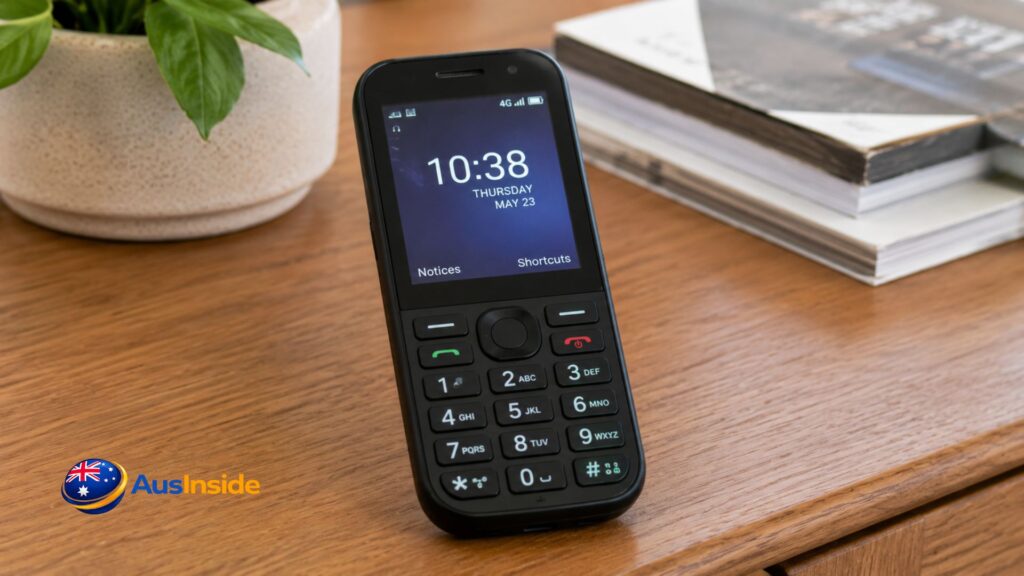
For such users, simple 4G or flip phones could be the most suitable choice.
Connected Grandparents
These are active users that frequently communicate with relatives via:
- Video chat
- Photos
- Various messaging services
A modern smartphone is often the best solution.
Independent Older Adults
Such seniors often lead a solitary lifestyle and put a higher premium on safety and health.
Key considerations include:
- Emergency functions
- Location sharing
- Ability to access medical documents
- Reliable network coverage
The Technology Enthusiats
These retirees often demonstrate an impressive level of tech savviness.
They love streaming videos, surfing on the Internet, online shopping, managing finances, and running multiple applications simultaneously.
Restricting them to ultra-basic phones will do more harm than good.
The Three Basic Types of Senior-Friendly Phones in Australia
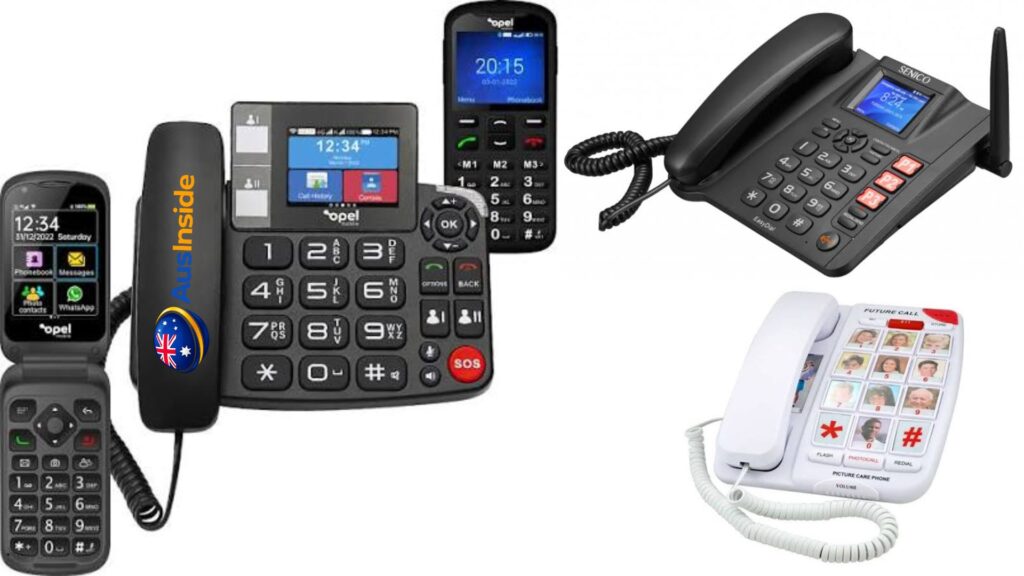
If you visit an electronic appliance store, you will typically see these three options.
| Purpose | Characteristics |
| Feature Phones | Main features |
| Keypad | Big buttons |
| Long battery life | Simplified menu |
| Cheaper | Best for users looking for calling and SMS exchange |
| Disadvantage | Lack of compatibility with most modern applications |
Flip Phones
Still popular among Australian seniors.
Reasons include:
- Intuitive design
- Few accidental taps due to physical buttons
- Often larger buttons compared to traditional smartphones
- Compatibility with 4G network, thus suitable for Australian market
Smartphones
Despite being perceived as overly complicated for seniors, smartphones can be surprisingly suitable when configured properly.
Features:
- Larger text
- Larger icons
- Virtual assistant
- Video calls
- GPS
- Accessibility tools
The actual phone isn’t everything.
Setting it up can play a decisive role.
Criteria That Make a Smartphone Senior-Friendly
The marketing literature often mentions big keys.
In reality, however, it is only a small fraction of senior-friendliness criteria.
Let us identify some of them.
Display Quality
Eye conditions typical for older individuals mean that it is important to pay attention to a phone’s screen.
Factors to consider include:
- Screen size
- Brightness
- Contrast
- Text size adjustments
Even if you buy a big-screen phone, it won’t do much good if it is hard to see it outdoors.
Battery Life
It might not seem like a big deal to plug your smartphone in every night.
However, it can turn into an ongoing cause of frustration for some seniors.
It is important that your phone has long battery life.
Audio Quality
Many buyers think about screen size exclusively.
The quality of audio, however, is also worth considering.
Key criteria include:
- Loud ringing volume
- Excellent voice reproduction
- Superb speakerphone performance
- Hearing aid compatibility
Emergency Functions
Emergency assistance features have become increasingly popular recently.
Some examples are:
- SOS button
- Emergency alerts
- Medically important info about you and your loved ones
- Location sharing
They are particularly important for seniors living independently.
Why Australia’s 3G Shutdown Is Relevant
This is one of the things many seniors forget when buying phones nowadays.
It was never a problem before.
In fact, Australia’s major carriers finished the shutdown of 3G networks.
It means that it is essential that your smartphone supports 4G connectivity.
Many buyers tend to assume that having Internet access is enough.
It isn’t always true.
Your device may seem to work fine while lacking the necessary emergency function.
When choosing a senior-friendly phone in Australia, make sure it satisfies the following criteria:
- 4G connection
- VoLTE
- Emergency calling
- Continuing software support
For seniors, this isn’t just a question of convenience.
It is a matter of safety.
Why Regional Network Coverage Is Important
There might be hundreds of different phones and millions of different features.
Yet none of it matters if your network coverage is poor.
And coverage does play an important role.
For example, some seniors prefer staying away from urban centers and living in regional Australia.
And many residents of rural or remote territories put network coverage at the top of their priorities.
It is easy to understand why.
A phone with a super-clear display and an excellent camera isn’t worth much if calls frequently drop out.
Before purchasing either the smartphone itself or a SIM card, think about where you are going to use your phone.
Coverage may vary dramatically in different regions, cities, farmlands, and remote territories.
For some users, it makes sense to choose the network first and the smartphone second.
Hidden Costs of Cheap Phones
Cheap devices may look tempting.
Surely, their price is appealing indeed.
But is it always worth it?
Sometimes the lowest-cost phone ends up costing much more due to a range of gradual problems:
- Performance slowdown
- Short battery life
- Limited software updates
- Low-quality screen
- Unpleasant user experience
The phone you bought on the spur of the moment will soon need replacement.
In case of seniors, it often happens that people keep phones for longer than young adults.
Therefore, longevity plays a crucial role in making a decision.
Recommendations of the Best Mobile Phones in Australia for Seniors Based on Situations Not Age
There is no perfect mobile phone that is good for everyone.
Consequently, the best recommendation is one based on specific situations and requirements of seniors, rather than their age.
Recommendation of the Best Smartphone for Most Older Australians
Samsung A-Series Phone
Samsung’s A-series of mobile devices has recently gained popularity among older Aussies because of its balance and simplicity.
Specifically, it includes:
- Large screen size
- Good battery life
- High-quality calling
- Reasonable prices
- Accessibility settings
In many cases, it contains all necessary functions for seniors while avoiding complications of higher-end phones.
The large screen and Samsung’s advanced accessibility features can also significantly enhance user experience.
Recommended iPhone for Seniors
iPhone SE or Entry-Level Phone
The best iPhone for older users is one used by family members.
Specifically, iPhones provide useful functions such as:
- Facetime
- Shared albums
- Sharing of locations
- Family management tools
That makes it easier for parents and grandparents to receive remote assistance if needed.
Another advantage of the Apple brand is software updates provided for many years after sale.
Top Recommended Flip Phone
Nokia 2660 Flip
The Nokia 2660 Flip has gained the status of a popular flip phone among seniors due to:
- Large physical buttons
- Simple menu
- Emergency button
- Louder sound system
- Classic look
Many seniors enjoy using flip phones because they allow answering calls simply by flipping them open.
At times, simplicity is more important than innovation.
Recommendation for a Simple Phone Without Apps
Nokia 225 4G
Some users prefer devices designed for pure communication – no internet access, applications, or video calling.
In these cases, one can recommend the Nokia 225 4G because of:
- Excellent battery life
- Simple operation
- Physical keyboard
- Good calls
Recommendation of a Mobile Phone for People with Poor Vision
A bigger screen is often more important than the specific model.
In almost all cases, a modern smartphone with:
- Brightness options
- Large screens
- Text magnifying capabilities
- Magnification features
works better than special “seniors’ phones”.
Top Recommended Phone for People Living Alone
Emergency assistance is crucial for independent users living alone in Australia.
Devices featuring:
- Emergency SOS
- Location sharing
- Medical ID
- Fall detection (where available)
- Emergency contact notification
are particularly recommended.
Phone vs. Senior Phone: The Actual Situation That Consumers Usually Face When Choosing
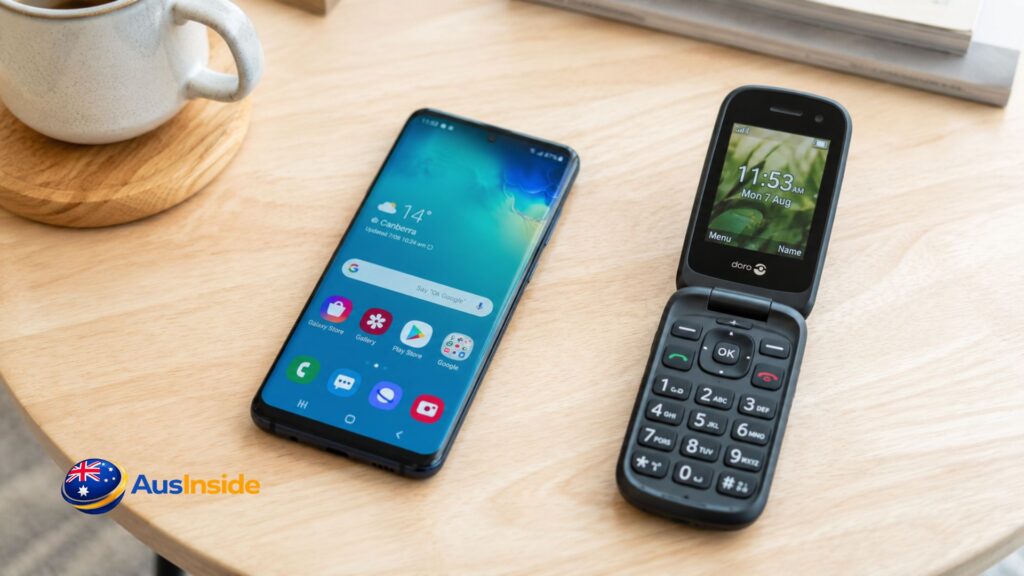
Most consumers initially assume that they require a classic seniors’ phone.
Then comes a twist.
Upon discovering their daily habits, they realise that a smartphone may be a more suitable choice.
It sounds unusual.
However, today’s smartphones allow increasing:
- Text size
- Icon size
- Voice commands
- Use of face-to-face calls
- Protection against fraud
- Camera quality
Overall, the latter is better in all respects.
Classic senior phones also remain an efficient solution because they ensure simpler use of the device.
Yet, the latter may not necessarily be the easier option.
What really matters is the existing experience with technology.
If someone regularly uses applications, social media, banks, messaging, etc., changing to a feature phone will increase frustrations.
Choosing the Right Phone for People with Eyesight Problems
Age-related vision problems affect millions of older Australians.
While a bigger screen size is one of the main requirements, there are other important aspects.
Specifically, the key factors are:
- Brightness
- Contrast
- Text scaling
- Magnification features
Brightness
Low brightness makes screens hard to read in bright environments.
Increasing it allows users to read more comfortably outside.
Contrast
Higher contrast allows distinguishing letters from screens.
It improves readability immensely.
Text Scaling
Many modern smartphones enable scaling text.
Its significance cannot be overstated.
Magnification Features
Advanced smartphones provide additional screen magnifiers which can make a great difference in users’ experiences.
Choosing the Right Phone for People with Hearing Impairments
While the loudest phone is the obvious choice, there are other equally important aspects.
Specifically, it involves:
- Hearing aid compatibility
- Speakerphone quality
- Bluetooth connectivity
- Noise reduction
Hearing Aid Compatibility
It needs to be checked before purchase if seniors use them frequently.
Speakerphone Quality
An excellent speaker is another crucial aspect.
Bluetooth Connectivity
Hearing aids can now connect to smartphones via Bluetooth.
Noise Reduction
Effective noise cancellation improves conversations greatly.
Recommendation of a Phone for People with Some Memory Problems
Technology can help preserve independence and comfort.
But it can cause frustrations if not applied wisely.
That applies especially to people with memory problems.
To prevent issues, it is recommended that the phone include:
- Larger icons
- Simplified home screens
- Voice assistants
- Photo contacts
- Shortcuts to make emergency calls
- Reminders
Unfortunately, seniors do not always know what is best for themselves.
Their relatives tend to install too many apps, resulting in chaos.
That approach usually does not help and creates confusion instead.
Why Video Calling Has Become So Important for Today’s Seniors
A decade ago, phone calls involved only voices.
Now, many older users require video calls because of:
- Maintenance of family relations
- Prevention of social isolation
- More effective communication with health professionals
- Independent living
In particular, seeing grandchildren usually brings more happiness than talking to them.
Thus, the demand for smartphones continues growing steadily.
The phone’s significance goes beyond communication.
It now plays an important social role.
Protection from Scam Calls and Other Forms of Fraud
A topic that rarely appears in phone recommendation guides is security.
Surprisingly, it is becoming increasingly important due to scam activities in Australia targeting seniors.
Among common threats:
- Package notifications
- Fraudulent impersonations (banks, government offices, etc.)
- Investment schemes
- Text message scammers
Fortunately, smartphones have better tools for protecting against scammers, including:
- Spam call detection
- Identification of callers
- Security updates
- Fraud warnings
- Two-factor authentication
Thus, a smartphone may prove more reliable than a traditional feature phone.
Protective measures play a growing role.
Do Not Forget the Mobile Plan
While people devote plenty of time to researching phones, they rarely care about the plan.
Many elderly people buy extra data unnecessarily.
To save money:
- Consider calling habits and messages
- Consider data consumption
- Think about international calling
- Evaluate regional requirements
Someone who uses a mobile phone mostly for calling does not require a big allowance.
Adjusting a mobile plan to personal needs will significantly reduce expenses.
First Hour Is Often More Important Than the Purchase
Most consumers spend weeks researching phones.
Then spend minutes configuring the device.
That approach is inefficient.
Proper configuration has a tremendous impact on user convenience.
Prior to giving a phone to a senior:
- Increase text size
- Zoom the display
- Add favourite contacts
- Add photo contacts
- Enable emergency assistance
- Configure medical ID
- Enable spam protection
- Delete unnecessary applications
- Adjust the volume level
- Activate location services
- Enable location services
Such simple configurations can completely change the experience.
How to Buy a Phone Which Will Remain Helpful in Two or Three Years?
While the majority keeps their phones for longer, seniors tend to keep theirs even longer.
So, future-proofing is important.
Before buying a phone:
- Verify that it offers regular software updates
- Consider battery longevity
- Check for network compatibility
- Buy from reputable brands
Choosing a mobile phone just because it is cheap is a bad idea.
More expensive ones often last longer.
Seniors Mobile Phone Purchasing Checklist
Before buying a mobile phone, consider:
- Does the device support Australian 4G & VoLTE?
- Is the screen readable?
- Can the volume be adjusted sufficiently?
- Is there hearing aid compatibility?
- Does the phone provide emergency assistance?
- Will the manufacturer continue updating its software in the following years?
- Is the network coverage sufficient?
- Can family members assist in phone use?
- Is it compatible with my current habits and requirements?
- Will it be suitable in two or three years?
If the answers to the majority of the above questions is positive, the phone is likely to fit.
Key Points
- There is no universal best seniors’ mobile phone in Australia.
- Instead, the right phone depends on individual preferences and habits of each senior.
- Smartphones can be easier to use than assumed.
- Feature phones still serve very well for those preferring simplicity.
- Accessibility tools allow customisation and enhanced performance.
- Protection against fraud becomes increasingly important.
- Consumers must choose proper mobile plans.
- Setup and configuration is often more important than the phone.
- Future proofing is crucial.
Don’t Forget To Read It: Telstra Internet Speed Test
Conclusion
Searching for a seniors’ mobile phone in Australia cannot be limited to finding the newest and latest model.
Instead, buyers must take into consideration the way seniors plan to use the mobile phone.
Those who require just a few basic functions will benefit greatly from a flip phone.
Others who wish to conduct video chats, banking transactions, use navigation tools, receive healthcare assistance, etc. will benefit more from smartphones.
The key to success is focusing on individual needs, not assumptions regarding age.
The right mobile phone can make a huge difference.
FAQs about Seniors Mobile Phone Australia
Which phone is the easiest for senior citizens in Australia?
If a phone is required for texting and calling only, the easiest choice is a 4G flip phone or a basic feature phone. If a person requires a smartphone, it is advisable to purchase one that suits his/her technological habits.
Are smartphones too complicated for old people?
Not necessarily. Modern smartphones include accessibility options such as voice control, text enlargement, and simplified home screens.
What phones can seniors use despite poor eyesight?
Those that feature a bigger screen, adjustable brightness, higher contrast, and built-in magnifying functions can help greatly.
Which smartphones work with hearing aids?
The best ones include hearing aid compatibility, high-quality sound system, Bluetooth, and noise reduction functions.
Do seniors still use flip phones?
Yes, they do. Those phones offer physical buttons, simple functionality, excellent battery life, and advanced 4G capabilities.
What features matter most when buying a seniors’ phone?
Screen readability, quality sound system, good battery, emergency assistance functions, accessibility options, and network compatibility are among top priorities.
Is a smartphone more secure than a traditional phone?
Quite likely, especially in terms of fraud and scam activities. In particular, smartphones include spam filters, caller identifications, software updates, anti-fraud apps, and emergency sharing.
How often should I change my seniors’ phone?
This question has no definite answer. In general, phones can work efficiently for three to five years depending on software updates and battery performance.