
Starlink Mini costs $599 upfront in Australia, and as of the 18 June 2026 price rise, the Roam 100GB plan that runs it is $85/month (up from $80), with Unlimited now $210/month. We’ve tested it across three states — a caravan park, a farm shed with zero mobile signal, and a weekend camping trip — and cross-checked our results against ACCC-verified network data and hundreds of real Australian user reports on Whirlpool and ProductReview. The short version: it’s the best portable satellite option available, but almost every guide online skips the details that actually decide whether it works for you — Wi-Fi range inside a caravan, the rain-fade vs obstruction distinction, and a farmer’s rebate worth up to $20,000.
Here’s the full picture.
- What Is Starlink Mini (And Who It's Actually For)
- Full 2026 Price Breakdown
- How Fast Is Starlink Mini, Really? (Three Data Sources, Not One)
- Starlink Mini vs Standard Dish vs NBN Sky Muster
- Setup: Step-by-Step
- What Nobody Else Tells You (From Real User Reports)
- Coverage Today And What's Coming
- Is It Worth It? By Use Case
- Farm & Business Rebates Most Articles Miss
- Troubleshooting Common Issues
- FAQ
What Is Starlink Mini (And Who It’s Actually For)
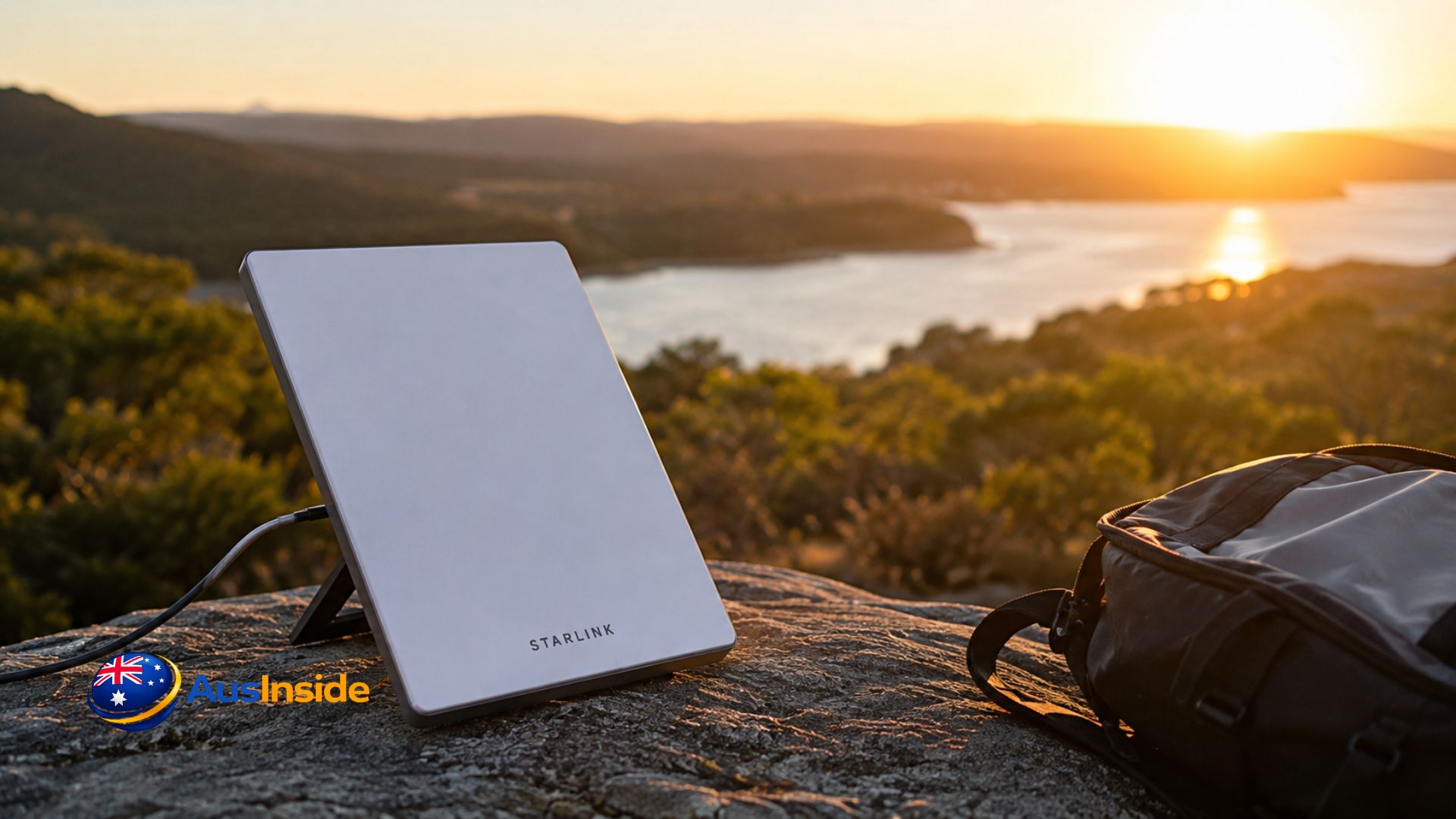
Starlink Mini is the compact, laptop-bag-sized version of SpaceX’s satellite dish, with a kickstand and an integrated Wi-Fi router built into the antenna itself — no separate router box like the standard kit.
| Spec | Detail |
| Weight | 1.1kg |
| Dimensions | 298.5 x 259 x 38.5mm |
| Power draw | 25–40W |
| Weather rating | IP67 dust/water resistance |
| Wind resistance | Up to 96km/h operational |
| Wi-Fi | Dual-band Wi-Fi 5 (older generation than the Standard kit’s Wi-Fi 6) |
| Snow melt rate | Up to 25mm/hour |
| Operating temp | Up to 50°C |
We’d point this at three buyer types:
- Caravan and 4WD travellers covering ground outside mobile range
- Remote workers on farm, mine site, or fly-in rotations
- Weekend campers and boaters wanting occasional connectivity without a permanent install
If you’re at a fixed address, the Standard dish on a Residential plan is usually the smarter buy — it gets network priority over Roam traffic, which matters most during the 7–11pm busy hour.
Full 2026 Price Breakdown
Hardware Cost
$599 RRP, plus roughly $19 shipping. Promotional pricing has dropped as low as $399–$449 during sale periods through Starlink and retailers like JB Hi-Fi and Harvey Norman, so it’s worth checking current stock before paying full price.
Monthly Plan Costs (Updated Post–18 June 2026 Price Rise)
Starlink Mini only runs on Roam plans — it cannot be activated on a fixed Residential plan.
| Plan | Monthly Cost | Data | Best For |
| Standby Mode | $15 (was $8.50) | 0.5 Mbps only | Keeping the account “warm” between trips |
| Roam 100GB | $85 (was $80) | 100GB, then throttled | Weekend trips, occasional remote work |
| Roam Unlimited | $210 (was $195) | Unlimited | Full-time travellers, daily remote work |
A seasonal strategy — Standby for 8 months, Roam 100GB for 4 travel months — runs roughly $460/year, against $1,020/year for Roam 100GB run continuously. If you’re already on Residential Max ($150/month), you get 50% off Roam pricing, though the free Mini rental that used to come bundled with Residential Max closed to new customers on 6 June 2026 — existing subscribers are grandfathered in, but new sign-ups now buy the Mini outright.
Hidden Costs Most Guides Skip
- Mini Car Adapter ($92) — converts to USB-C 12V power for vehicle mounting
- Starlink Router Mini ($68) — Wi-Fi 6 mesh unit; genuinely necessary if you’re using the Mini inside a caravan (more on why below)
- Demand surcharges — some high-demand Australian addresses attract a one-off surcharge that’s reportedly run past $1,000 in tight-coverage areas; always check pricing at your specific address at starlink.com/au before ordering
- Professional installation — not required for the Mini itself, but if you’re running cabling through a caravan or house wall, Australian law requires a registered cabler for any cable entering a concealed space; DIY installs through wall cavities aren’t legal
How Fast Is Starlink Mini, Really? (Three Data Sources, Not One)
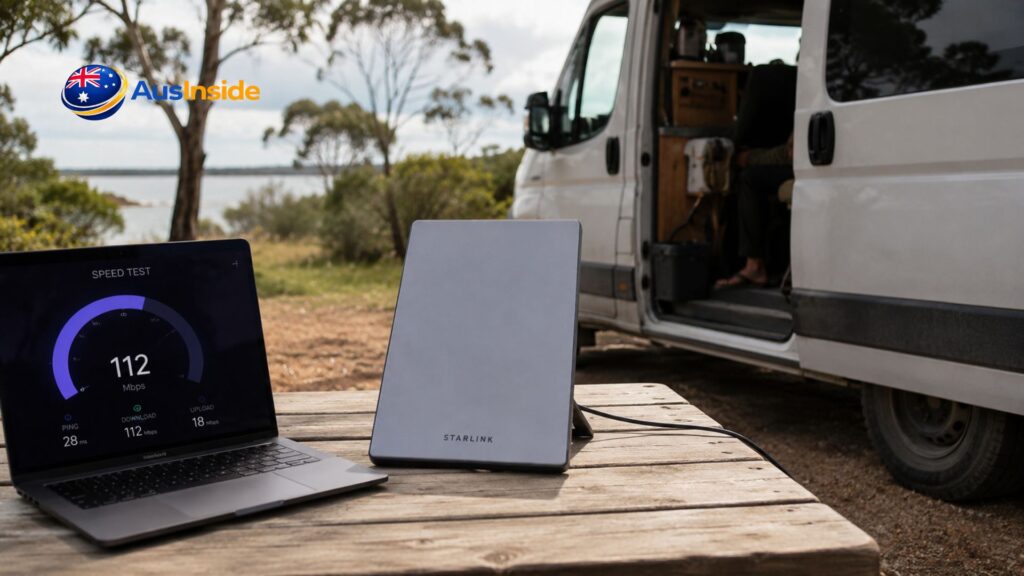
Most articles quote SpaceX’s marketing number and stop there. We’ve laid out three separate sources so you can see how far the “advertised” figure sits from reality:
| Source | Download | Upload | Latency |
| SpaceX marketing | 65–260 Mbps | 15–35 Mbps | Under 99ms |
| Official Critical Information Summary (legal minimum) | 30–100 Mbps | 10–30 Mbps | Under 99ms |
| ACCC Measuring Broadband Australia (network-wide, busy hour) | 170.2 Mbps average | Not separately reported | — |
| Real Australian user tests (forums, reviewers) | 50–150 Mbps typical | 10–20 Mbps | 10–40ms |
The ACCC’s independently measured busy-hour figure is a genuinely useful data point competitors rarely mention — it puts Starlink’s evening performance roughly in line with NBN’s Fixed Wireless Home Fast tier, and it comes from the regulator’s own testing program, not SpaceX.
Starlink Mini vs Standard Dish vs NBN Sky Muster
This is the comparison most Starlink Mini articles leave out entirely — Sky Muster is still the fallback for many rural properties and deserves a straight comparison.
| Feature | Starlink Mini | Standard Starlink | NBN Sky Muster |
| Hardware cost | $599 | $549–$599 (or $15/mth rental) | Installed by nbn, no purchase |
| Setup | 5 min, no tools | Mount + cable run | Professional install required |
| Monthly cost | $85–$210 | $75–$150 | From $74/mth |
| Typical speed | 50–150 Mbps | Up to 320+ Mbps | Around 25–36 Mbps |
| Data caps | 100GB or unlimited | Usually unlimited | Usually unlimited |
| Portability | Fully portable | Fixed only | Fixed only |
| Equipment ownership | You own/rent it, responsible for returns | Same | nbn owns and repairs it, including weather damage |
If your property already has a Sky Muster install and mainly needs backup connectivity rather than speed, it’s worth comparing total cost before assuming Starlink Mini is the upgrade — Sky Muster’s equipment maintenance is handled by nbn at no extra charge, which Starlink’s Roam hardware isn’t.
Setup: Step-by-Step
- Unfold the kickstand on flat, stable ground with a clear view of sky
- Connect the DC power cable to the supplied brick or a 12V adapter
- Run the in-app obstruction scan — checks for trees, awnings, or roofline blocking the 110-degree field of view the dish needs
- Wait 2–5 minutes for first connection
- Connect devices to the built-in Wi-Fi network
- Speed test before committing to a spot — if results are weak, move 2–3 metres and rescan
What Nobody Else Tells You (From Real User Reports)
We dug through Australian forums and review sites most guides don’t touch — here’s what actually trips people up:
- Wi-Fi range inside an aluminium caravan is genuinely poor. Users on Whirlpool’s Starlink forum report the Mini’s built-in router struggles to penetrate a metal caravan shell, even parked a few metres away. The fix most people land on is running an Ethernet cable from the Mini into the van and connecting a separate router — the $68 Starlink Router Mini or a third-party unit like Peplink.
- IP geolocation can break streaming apps. Because Roam traffic routes through different regional gateways, some users report services like 9Now misreading their location day to day, breaking live TV streaming even with a correct address on file.
- The Standby fee nearly doubled in the June 2026 price rise (from $8.50 to $15/month), which caught a lot of seasonal users off guard — it’s worth re-running the annual cost comparison after any Starlink price update rather than assuming last year’s numbers still apply.
- Retailers occasionally ship the wrong hardware. Multiple forum users ordered a Mini and received a full-size Gen 3 Standard dish instead — worth checking the box before you build a custom mount around the wrong unit.
- Rain fade and physical obstruction look identical on the app but aren’t the same problem. Rain fade shows as intermittent red flashes during a storm that clear within 5–10 minutes after it passes. A genuine obstruction — a tree branch, gutter corner, or roof rack — shows consistently red on the same part of the sky map regardless of weather. Confusing the two leads people to reposition a dish that was never actually blocked, when the real fix is just waiting out the rain.
- Wet foliage matters even if dry foliage doesn’t. A tree that doesn’t block signal when dry can become an effective obstruction once its leaves are saturated after rain — something worth checking if dropouts only happen during or right after storms.
Coverage Today And What’s Coming
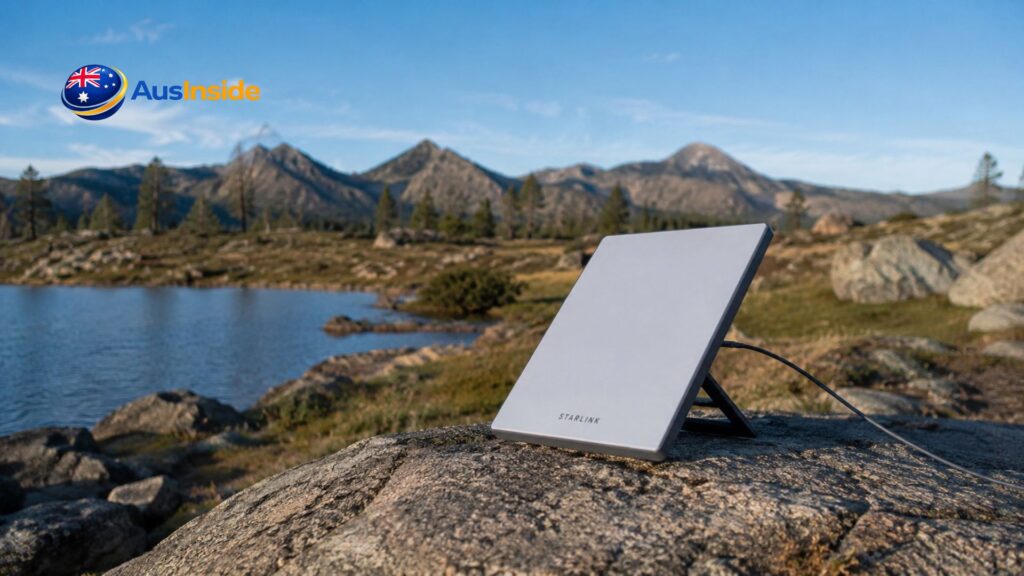
Starlink coverage is effectively nationwide, including inland waterways and marinas, provided you’ve got a clear sky view. Officially, the Mini is meant to be used stationary rather than while a vehicle is in motion, though Roam plans do support in-motion use up to 160km/h as an add-on feature, and many Australian travellers report reliable performance at highway speeds regardless of the “park first” guidance in the terms.
Worth knowing before you commit long-term: nbn has partnered with Amazon Leo (formerly Project Kuiper) to bring a competing low-Earth-orbit satellite service to regional and remote Australia, with trials expected to begin in late 2026. It’s positioned to eventually replace Sky Muster rather than compete directly with Starlink Roam, but it’s the first genuine LEO alternative on the horizon for Australian satellite users.
Is It Worth It? By Use Case
| Use Case | Worth It? | Why |
| Weekend camper (4x/year) | Yes | Standby + occasional 100GB months keeps annual cost manageable even after the June price rise |
| Full-time traveller | Yes | Unlimited Roam is the only realistic option beyond mobile range |
| Remote property owner | Compare first | A Residential plan on the Standard dish gets network priority Roam doesn’t |
| Urban backup internet | No | NBN or 5G home internet is cheaper and faster where available |
| Caravan with metal shell | Yes, but budget the router | Factor in the $68 Router Mini or an Ethernet-fed third-party router from day one |
| Boat/marine (inland) | Yes | Reliable inland waterway coverage in a genuinely portable form factor |
Farm & Business Rebates Most Articles Miss
If you’re buying a Starlink Mini for a primary production business — a farm, station, or agricultural operation — the federal government’s On Farm Connectivity Program offers rebates of up to $20,000 (GST exclusive) toward eligible connectivity equipment, including satellite hardware. Round 3 was funded with $10 million in the 2026–27 Budget, following more than $30.5 million paid out to over 2,900 primary producers across the first two rounds. Full eligibility details and the current list of Approved Suppliers are published on the Department of Infrastructure’s On Farm Connectivity Program page — this is the single biggest cost offset available to eligible buyers and it’s rarely mentioned in general buying guides.
If you’re planning a full remote-travel or off-grid rig around the Mini — power systems, mounting, and the rest of the setup — ausinside.com’s off-grid and caravan travel guides are a useful next stop for sorting the rest of the build around your connectivity.
Troubleshooting Common Issues
- Signal drops under tree cover — reposition; even partial obstruction cuts speed noticeably, and wet leaves make it worse than dry ones
- Weak Wi-Fi inside a metal caravan — run Ethernet to a separate router rather than relying on the Mini’s built-in Wi-Fi through an aluminium shell
- “Obstructed” alert during rain but no visible obstruction — this is rain fade, not a real block; it should clear within 5–10 minutes once the storm passes
- Overheating in direct 40°C+ sun — rated to 50°C but performs better with light shade around (not over) the antenna face
- Data cap surprises on the 100GB plan — track usage in-app; streaming and video calls burn through it fast, and once you hit the cap speeds throttle rather than cut off entirely
- Sudden fee changes — Starlink has raised Australian pricing at least twice in the past 18 months; re-check your plan cost annually rather than assuming it’s static
FAQ
Can I use Starlink Mini without a Roam plan?
No, the Mini only activates on Roam plans, not Residential.
Is Starlink Mini worth it over a mobile hotspot?
Yes, if you regularly travel outside 4G/5G coverage. A phone hotspot is cheaper but useless once you’re beyond mobile range, which covers most of regional Australia.
Does Starlink Mini work while driving?
In-motion use is an add-on feature supported up to 160km/h, though SpaceX’s base terms describe the Mini as designed for stationary use once parked.
How long does delivery take in Australia?
Typically one to two weeks from order to delivery.
Can I cancel if it doesn’t work at my location?
Yes. Starlink includes a roughly 30-day window from shipping (or activation, whichever comes first) where you can get a refund if coverage doesn’t pan out.
Is there a rebate for farm or business use?
Yes, primary producers may be eligible for up to $20,000 through the On Farm Connectivity Program; check current eligibility and Approved Suppliers before purchasing if you want to claim it.
Why is my streaming app showing the wrong location?
Roam traffic can route through different regional gateways depending on network conditions, which occasionally causes services like live TV apps to misread your location even with a correct address on file.